Remote CMS & live operations
One operations desk for every screen in the mall
Watch the signal travel from the CMS to each screen, run media, advertising and events, and see how the network stays secure and keeps playing offline.
Live · operations centre ·
Endpoints
21 / 22
online
LED faces
11
reporting
Network
Secure
VPN · TLS
Alerts
1
open
08:00:02 system Opening schedule loaded on 22 players · 08:00:05 monitor All LED faces reporting · 0 alarms
01 · Signal
Watch the signal move
Click any box for details.
Selected
Navori CMS
upload → approve → publish
Content is validated (resolution, duration, rights, expiry) and needs an approval before it can be scheduled.
02 · Distribution
Screen distribution — live wall
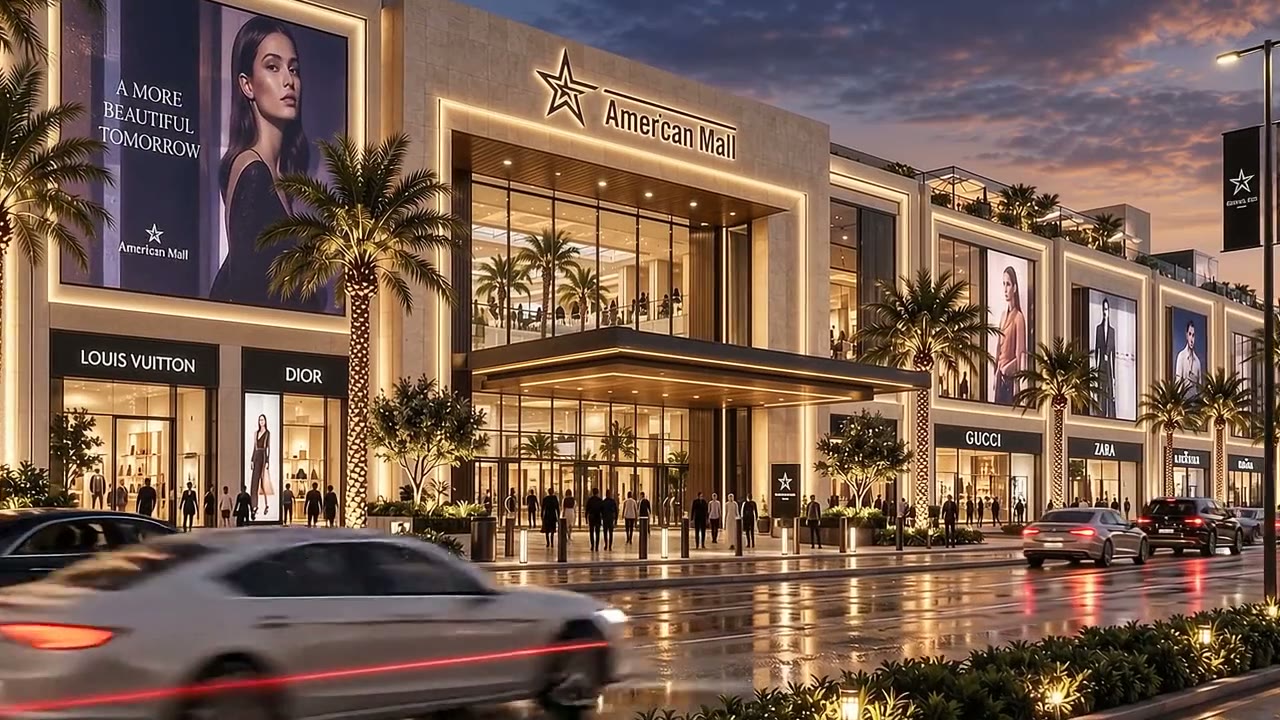
E01
Daypart retail
3200×1800 · MX sender
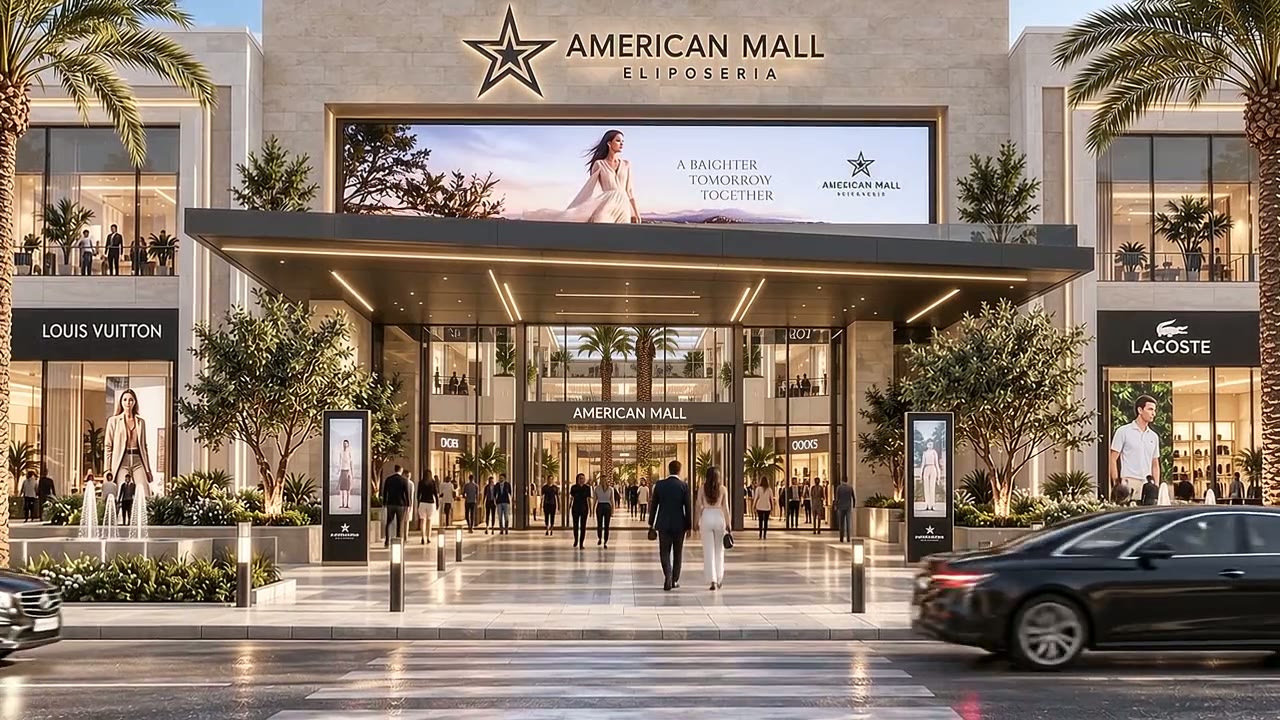
E02A
Daypart retail
400×1000 · MX sender
E02B
Daypart retail
400×1000 · MX sender

E03A
Seasonal campaign
600×1200 · MX sender
E03B
Seasonal campaign
600×1200 · MX sender
E03C
Seasonal campaign
600×1200 · MX sender
E03D
Seasonal campaign
600×1200 · MX sender

I01
Wayfinding
P1.25 COB · MX sender
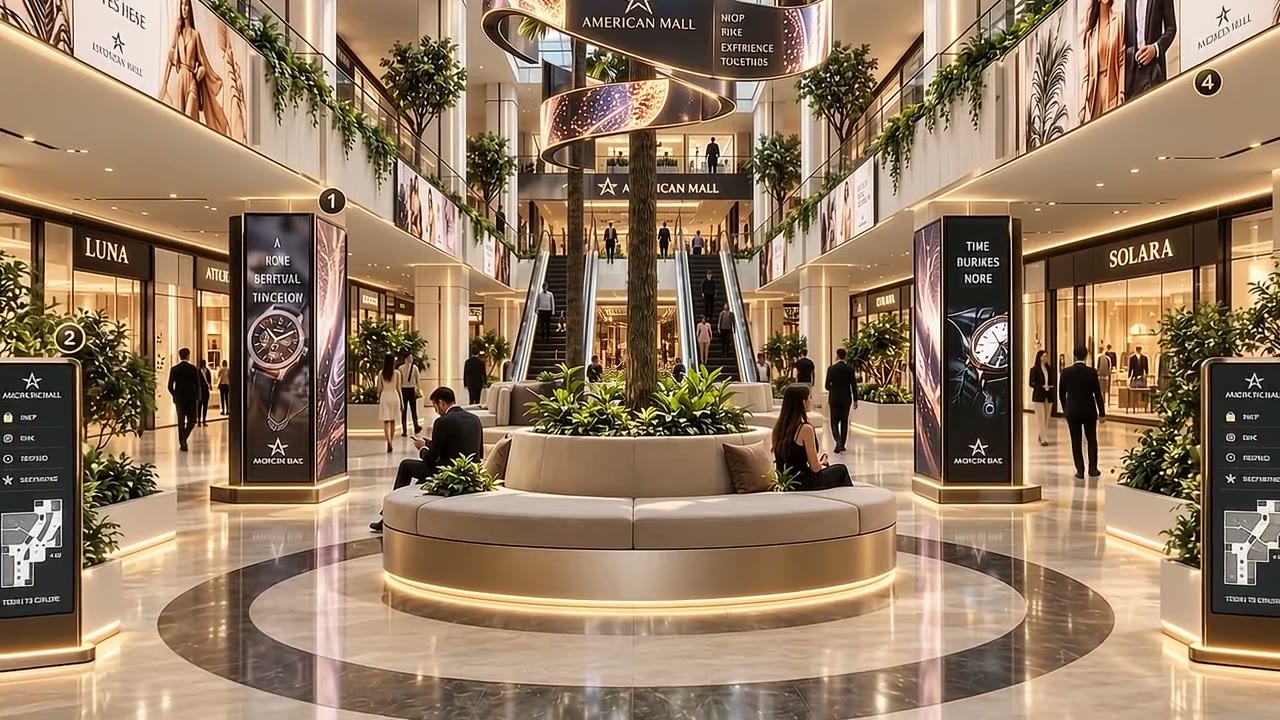
I02A
Wayfinding
totem · MX sender
I02B
Wayfinding
totem · MX sender
S01
Brand film
3840×2160 · local player

S02
Brand film
3840×2160 · local player
S03
Brand film
3840×2160 · local player
S04
Brand film
3840×2160 · local player
S05
Brand film
3840×2160 · local player
S06
Brand film
3840×2160 · local player
S07
Brand film
3840×2160 · local player
S08
Brand film
3840×2160 · local player
K01
Daypart retail
touch 55" · local player
K02
Daypart retail
touch 55" · local player
K03
Daypart retail
touch 55" · local player
K04
Daypart retail
touch 55" · local player
22 screens: 11 LED faces (E01, E02A–B, E03A–D, I01, I02A–B), 8 LCD posters, 4 touch directories. Tile images are mall visuals used as stand-in content.
03 · Control
Full control
Playlists by zone
Arrival
Frontage
Atrium
Concourse
Directory
Brightness & scheduling
Outdoor faces follow an ambient-light curve; dimmed at night to limit glare.
06–10
Daypart retail
10–16
Seasonal campaign
16–20
Wayfinding
20–24
Brand film
Publishing workflow
- 01Brief
- 02Rights check
- 03Creative validation
- 04Approval
- 05Grouped scheduling
- 06Local download
- 07Play check
- 08Campaign report
Permissions and business continuity
| Role | Allowed actions | Approval boundary | Audit / recovery |
|---|---|---|---|
| Tenant contributor | Submit approved files; request dates | Cannot publish mall-wide or change other tenants | File version and rights record |
| Mall marketing | Build campaigns; schedule groups | Editorial and brand approval before release | Publish log; tested rollback |
| Media operator | Book inventory; report fulfilment | Cannot oversell the same slot or override safety | Proof-of-play / credit reconciliation |
| SkyVelor technician | VPN-controlled diagnostics, firmware maintenance | Separate from advertising approvals; change window required | Backups, change log, asset health |
| Owner / investor | Read-only occupancy and financial dashboard | No automatic access to tenant personal data | Monthly cash statement and contract pipeline |